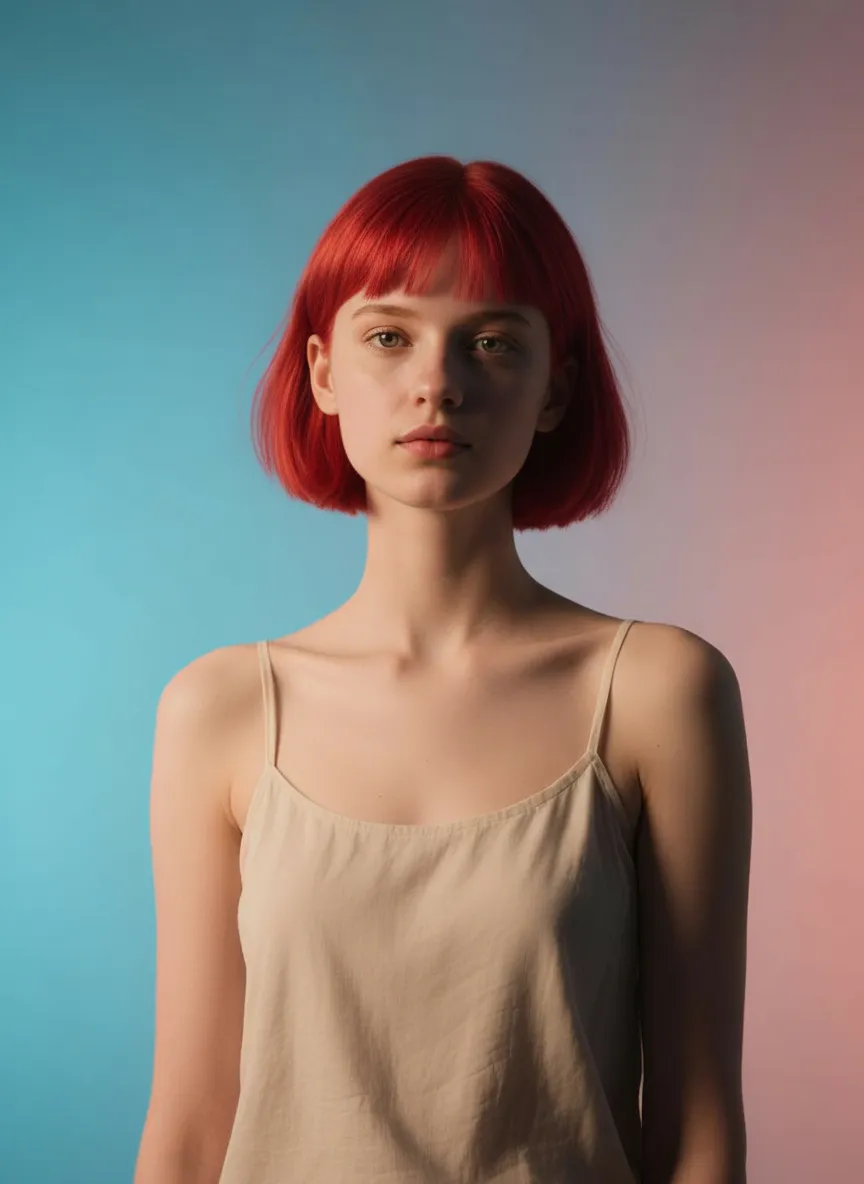
Red Hair

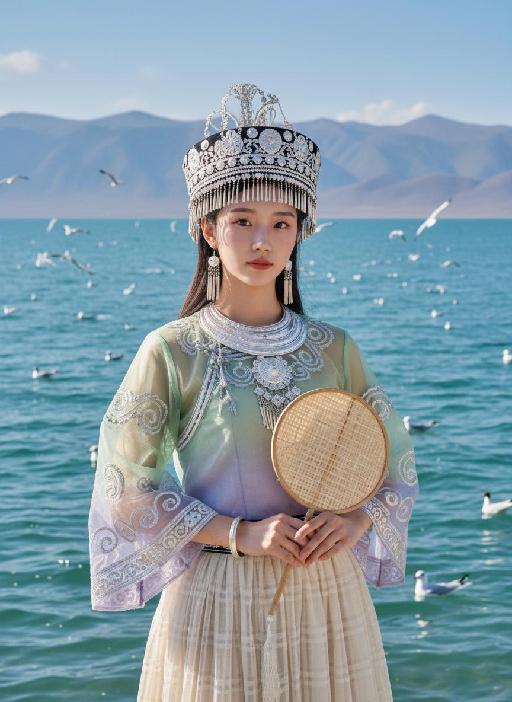
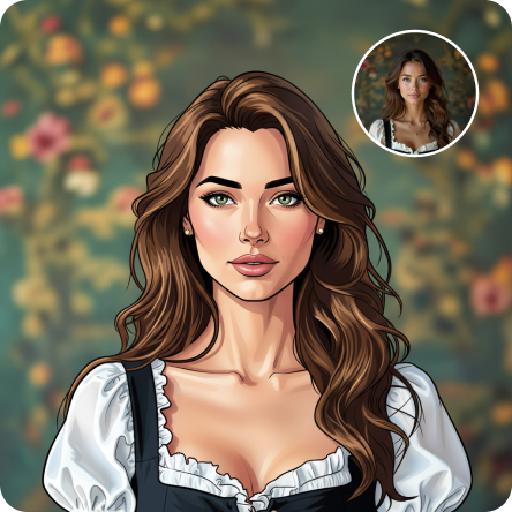
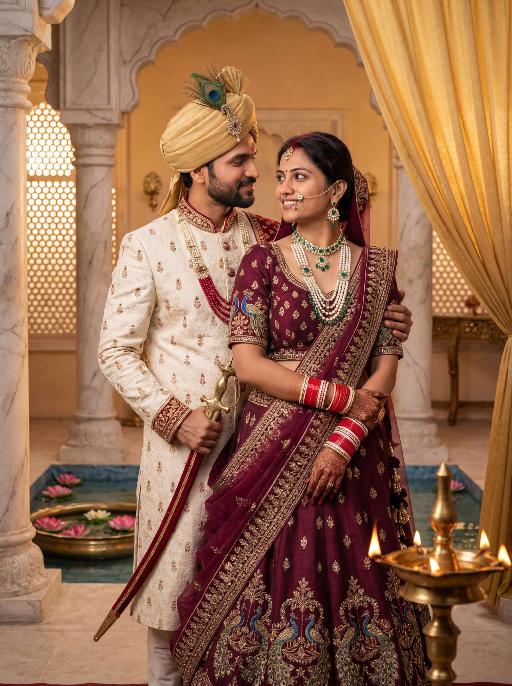
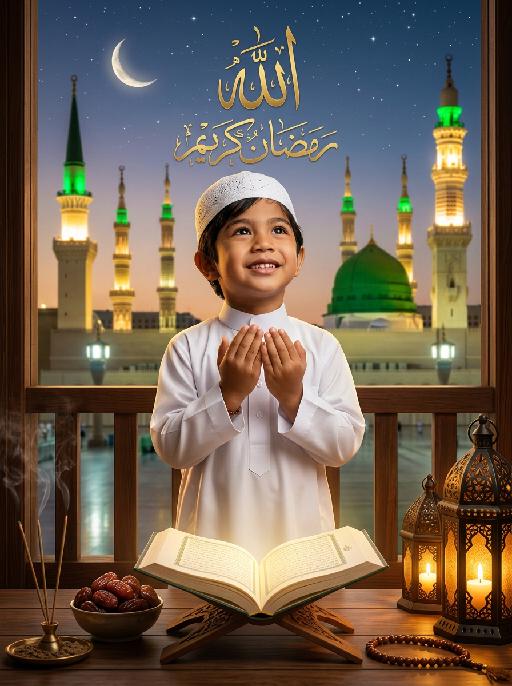
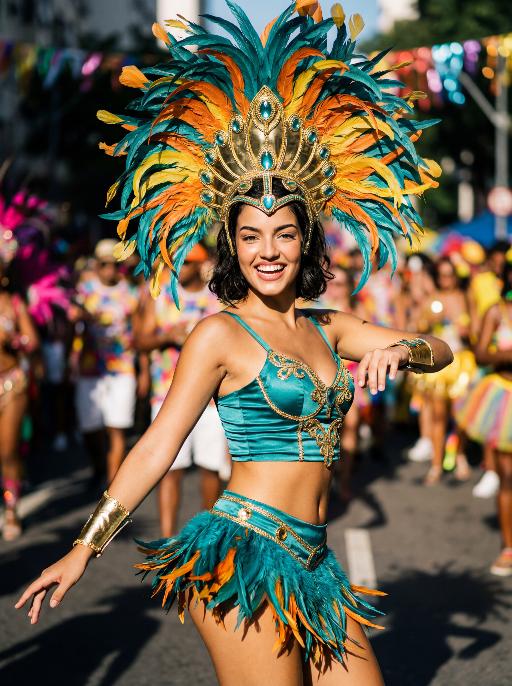
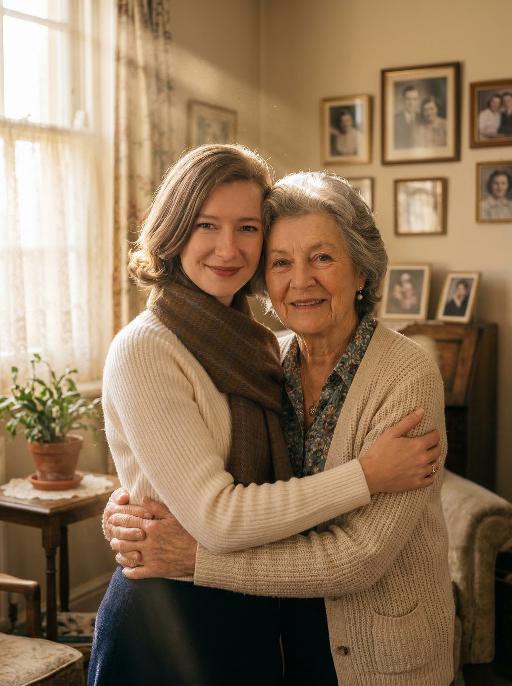
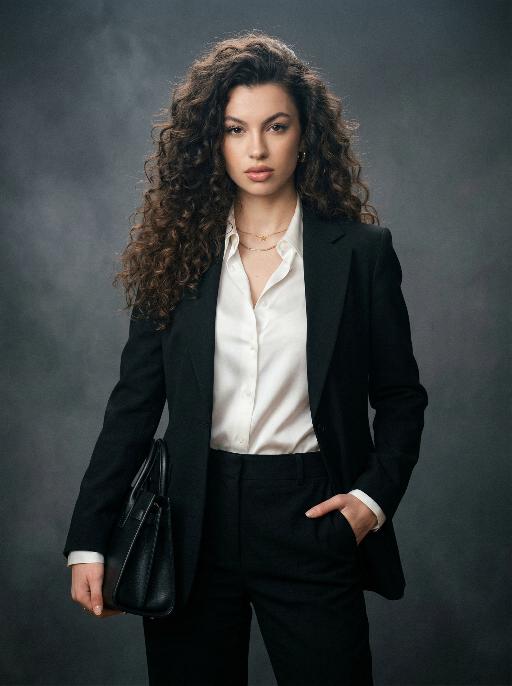
Transform hair color to red while preserving the subject's exact facial features, clothing, pose, hairstyle, texture, and length using AI. Achieve ultra-realistic, seamless, natural-looking hair color changes with perfect lighting and shadows for a professional photorealistic effect. Experience AI-powered virtual makeovers.

Use Template
arrow
Red Hair

FAQs

What are Effect Templates?

Effect Templates are predefined AI workflows that automatically transform static images into specific visual styles or animated formats, delivering consistent, high-quality results without manual adjustments.

How do I apply Effect Templates?

Select your preferred template > Upload an image > Generate. No text prompts required - templates handle all style parameters.

Where can I find more templates?

Explore 1000+ curated templates in our Explore Hub: https://vivago.ai/studio. New templates added weekly across categories.

What's the pricing?

Daily login grants 100 free credits. Exhausted credits? Choose: 1) Subscribe a membership plan, 2) Get a credit pack. Details: https://vivago.ai/subscribe

More From VIVAGO AI

outfit_transformer

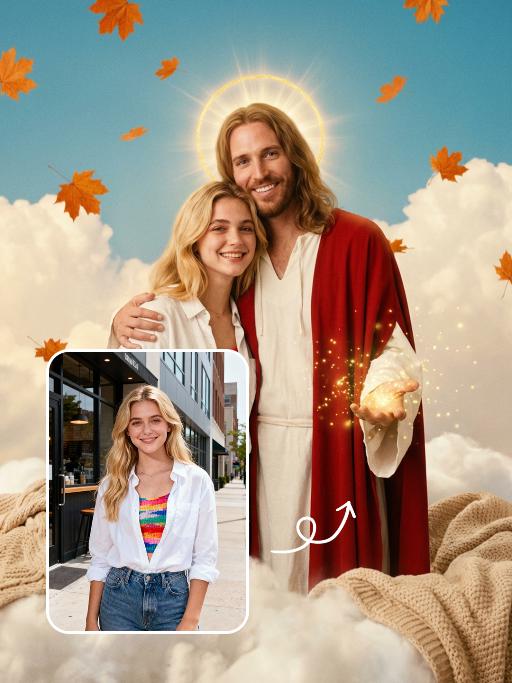
Two medium-distance close-up shots of people (their appearances, ages and genders remain unchanged. The older of the two has a semi-transparent effect on their clothing and has warm-toned light effects) stand side by side in white clothing, with a natural posture, facing forward, and their body proportions are very realistic. They stand in front of an American suburban house, which is a vintage old house with a beautiful garden. The warm golden light, soft background light and side light create a hazy film-like atmosphere, conveying a warm, soothing and nostalgic tone. Shot from a medium close-up angle, the shallow depth of field effect highlights the characters. The soft warm light, delicate skin and fabric textures, natural and realistic composition, ultra-realistic high-definition quality and real film texture.

Image to Video

"The scene begins with a medium or close-up shot, clearly revealing the subject(s) from the image standing and dancing within the frame.\nAs the camera slowly pulls back, the full bodies of all the animals are gradually revealed. At the same time, they all stand upright and are dressed in bunny-girl-inspired outfits.\nThey begin to dance in an anthropomorphic manner: standing on two legs with their front paws placed on their hips, elegantly swaying their hips from side to side with a soft, subtly seductive rhythm. Their facial expressions are lively and playful, maintaining direct eye contact with the camera, accompanied by slight nods or head tilts to enhance the sense of interaction with the viewer.\nAll animals wear coordinated bunny-girl-themed costumes (with possible slight variations in color and details), which include:\nA form-fitting, waist-cinching bunny-style corset\nA veil or bunny ear accessory worn on the head\nA light, sheer scarf tied around the waist that flutters naturally with their dance movements\nNote:\nThe exact number of subjects must be determined based on the uploaded image.\nThe subject count could be one or multiple—please identify the precise number and use it clearly in the description."

proto_transformer

The facial features of the uploaded figure remain unchanged, with a gentle smile and natural, exquisite makeup. The figure is dressed in an exquisitely tailored high-end evening gown, paired with a black coat and a gray scarf, and sits atop a large 3D three-dimensional luminous sculpture of "2026". The background features a night view of American city streets, with firework burst effects blooming in the sky and festive decorative fairy lights strung about, creating an incredibly beautiful celebratory atmosphere. Decorative effects of blooming fireworks and twinkling star particle effects are added around the frame, with festive floating balloons and confetti fragments filling the sky for an extra celebratory touch. The work features artistic photography style, a sophisticated high-end aesthetic, cinematic image quality, avant-garde fashion art, and a warm, cozy ambiance.

image_edit_gen AI effects generated image

image_edit_gen

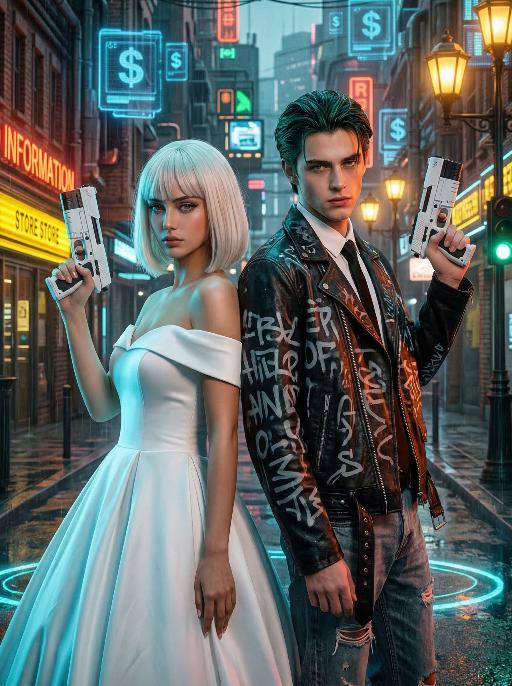
先将上传的图片扩图成3:4的2k超轻尺寸,然后在图片上加入创意涂鸦内容:不要使用固定元素,而是生成与您所识别的视觉主题相匹配的插画元素。如果是酷炫/前卫风格:可以使用箭头、螺栓、涂鸦标签、失真形状、广播盒或抽象的街头艺术怪兽。如果是可爱/甜蜜风格:可以使用独特的角色、心形、星星、糖果、闪光效果和圆形的有机形状。如果选择“虚幻”风格:运用流畅的线条、花瓣、天体以及神奇的漩涡元素。加入的元素风格:平面二维矢量图,粗犷的轮廓,类似贴纸的美感。鲜艳的色彩与写实照片形成对比或相得益彰。 画面的四个边角加入少量的短小的随机黑色动感的漫画式速度线条;人物的周围加上赛博的霓虹发光光效,人物的面部加入一个小涂鸦元素,人物的皮肤轻微磨皮,皮肤自然美颜效果,面部妆容改成欧美流行风格的自然写实的潮流的妆容;写实的人物与写实的场景风格保持不变。

Load more